By SmartLawAI · · 13 min read
How artificial intelligence is changing the way legal professionals organize matters, conduct research, draft documents, and manage legal work.
Introduction: Legal Work Is Changing
The practice of law has always depended on information, analysis, judgment, and precision. Lawyers spend significant time reviewing documents, researching legal authorities, drafting agreements, analyzing disputes, and managing multiple client matters.
Traditionally, these activities have been spread across different systems: document storage platforms, legal research databases, email, case management software, and word processors.
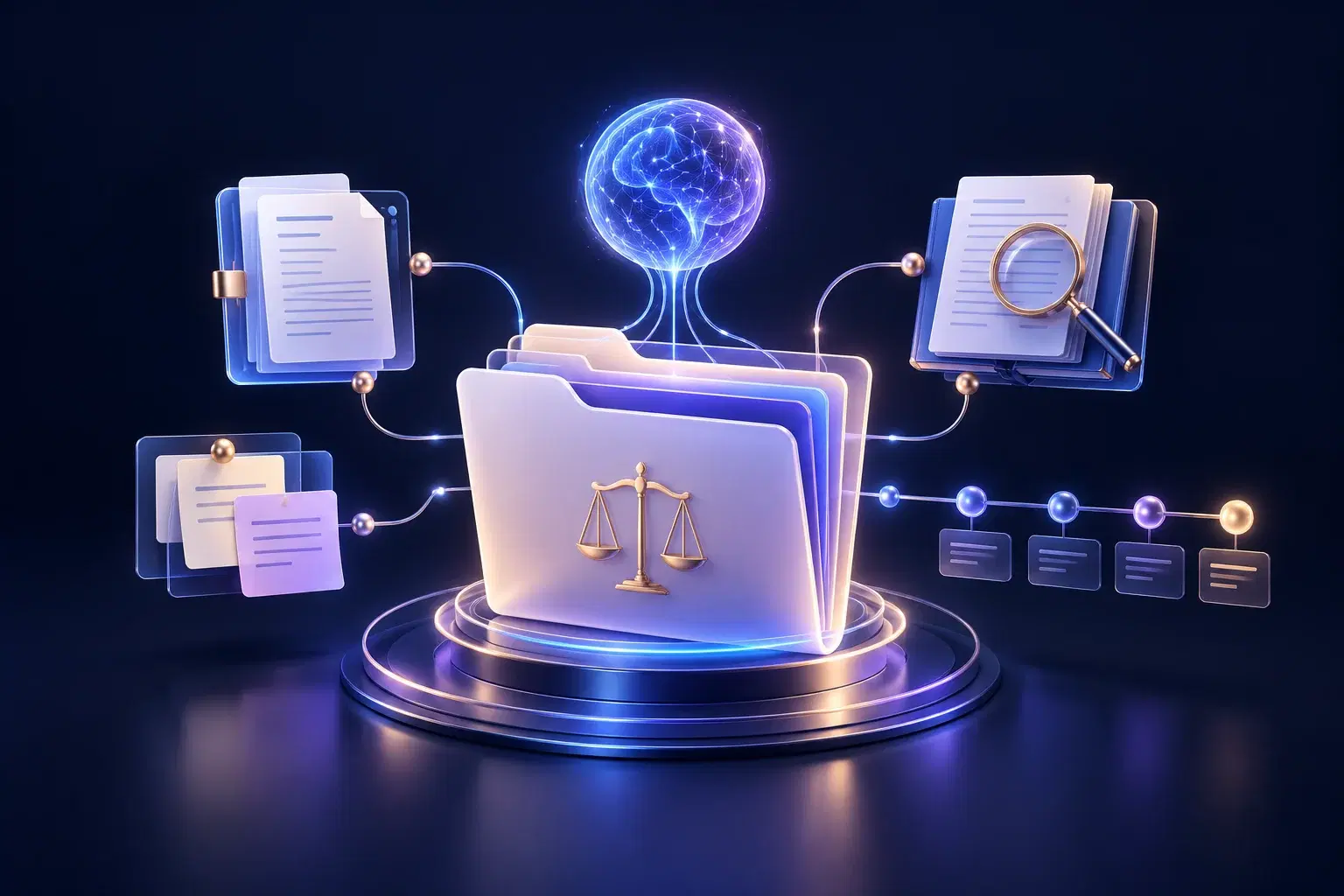
Artificial intelligence is creating an opportunity to connect more of these activities within a unified working environment.
This is where the concept of an AI Legal Workspace becomes important.
Rather than treating artificial intelligence as a standalone chatbot that answers individual questions, an AI Legal Workspace places AI within the broader context of legal work.
The objective is not to replace lawyers. It is to help legal professionals perform routine and information-intensive tasks more efficiently while maintaining human responsibility for legal analysis, professional judgment, and client representation.
For solo practitioners and small-to-medium law firms, this approach offers a particularly interesting opportunity: access to AI-assisted workflows without necessarily requiring the technology budgets or administrative resources of larger firms.
What Is an AI Legal Workspace?
An AI Legal Workspace is a digital working environment that brings artificial intelligence into legal research, document drafting, analysis, and matter-related workflows.
Unlike a general-purpose AI chatbot, an AI Legal Workspace is designed around the way legal professionals actually work.
It can combine capabilities such as:
- Legal research: Helping lawyers identify legal issues, explore relevant authorities, and develop research questions.
- Document drafting: Assisting with initial drafts of agreements, legal correspondence, memoranda, and other legal documents.
- Legal analysis: Organizing facts, identifying potential arguments, and examining competing legal positions.
- Document review: Extracting relevant provisions, identifying ambiguities, and summarizing complex materials.
- Matter organization: Connecting legal information and work products to a particular client matter.
- Workflow continuity: Helping preserve relevant context between different stages of legal work.
The precise capabilities depend on the software platform. Not every legal AI product provides all these functions.
The central idea is simple: AI should support the complete legal workflow, not just answer isolated questions.
Why Traditional Legal Software Is Not Always Enough
Legal professionals often use several different software applications throughout a single working day.
A lawyer handling a commercial dispute might retrieve files from document storage, search legal authorities, write notes in a separate application, prepare correspondence in a word processor, and track deadlines in practice management software.
Each application may perform its individual function effectively. However, working across disconnected systems can create unnecessary duplication and fragmentation.
For example, research findings may need to be transferred manually into a memorandum. Contract provisions may be copied into another tool for analysis. Important matter details may have to be repeatedly reintroduced when using a standalone AI assistant.
An AI Legal Workspace aims to reduce that fragmentation by connecting AI-assisted activities within a more coherent working process.
It does not necessarily eliminate the need for established legal research services, case management software, or document management systems. Instead, it can complement those systems and make selected legal tasks easier to perform.
The Difference Between an AI Chatbot and an AI Legal Workspace
The distinction is not simply whether a system uses artificial intelligence. It is how that intelligence participates in legal work.
A traditional AI chatbot
A lawyer enters a question, receives a response, and may continue the conversation.
For example:
"Explain the key issues to consider when reviewing a software licensing agreement."
The chatbot generates an answer based on the information available to it.
This can be useful for general explanation, brainstorming, or initial issue identification.
However, unless the system includes relevant document access, reliable retrieval, and persistent context, the lawyer may need to repeat important background information across different conversations.
An AI Legal Workspace
In a matter-centric workspace, the lawyer's work can be organized around an identified legal matter.
Consider a software licensing dispute. A matter-centric system may be designed to connect:
- The client's instructions and relevant factual background.
- The software licensing agreement and related documents.
- Legal research associated with the dispute.
- Analysis of contractual obligations and potential breaches.
- Draft correspondence, opinions, or other work products.
- Notes, tasks, and subsequent developments.
AI assistance can then operate with access to relevant, authorized matter context, subject to the platform's technical capabilities and access controls.
The result is a more continuous approach to legal work.
The difference is moving from AI that responds to a prompt toward AI that works with the matter.
Why Matter-Centric AI Matters
In legal practice, a matter represents more than a collection of documents.
It includes facts, parties, legal questions, research, deadlines, instructions, professional decisions, and work performed over time. These elements are connected.
A contract provision may be relevant to a research question. A research finding may influence a legal opinion. A newly received document may change an earlier assessment.
Matter-centric AI is an architectural approach that seeks to preserve these connections.
Example: A commercial contract dispute
Imagine a small law firm representing a client in a contractual disagreement.
The lawyer must review the agreement, identify the disputed clauses, investigate relevant legal principles, and prepare advice.
In a disconnected workflow, the lawyer might use separate applications for each activity and repeatedly supply background information.
In a matter-centric AI workflow, the lawyer could potentially:
- Create a matter dedicated to the dispute.
- Associate relevant documents and background information with that matter.
- Request a structured summary of the contract.
- Identify provisions requiring closer examination.
- Conduct or organize legal research on the disputed issues.
- Develop an initial legal analysis.
- Prepare a draft client advisory letter.
- Maintain relevant notes and work products within the same matter environment.
All AI-assisted outputs would still require appropriate lawyer verification.
This connected approach illustrates the value of matter context: information created during one stage of legal work can support later stages without unnecessarily rebuilding the entire background.
Key Capabilities of an Effective AI Legal Workspace
1. AI-Assisted Legal Research
Legal research requires identifying relevant law, understanding legal principles, and applying authoritative sources to specific facts.
AI can help lawyers organize research questions, explain concepts, identify possible issues, and summarize materials. However, generated legal propositions and citations must be checked against reliable sources. AI-generated references should never be assumed to be genuine or current simply because they appear persuasive.
An effective legal AI workflow should make verification a normal part of research rather than an optional final step.
2. Legal Document Drafting
Drafting is one of the most familiar applications of generative AI in legal practice.
Depending on the task and platform, AI can assist with first drafts of:
- Commercial agreements.
- Legal memoranda.
- Client correspondence.
- Demand letters.
- Contract clauses.
- Internal legal reports.
- Preliminary litigation documents.
The value lies primarily in accelerating preparation and improving the organization of initial content.
A lawyer must still adapt the draft to the applicable jurisdiction, facts, client instructions, procedural requirements, and legal standards.
3. Contract Review and Analysis
Contract review can require substantial attention to definitions, obligations, remedies, limitations of liability, termination provisions, and conflicting terms.
AI-assisted tools can help organize provisions, summarize obligations, highlight potentially ambiguous language, and prepare issue lists for further review.
For instance, a lawyer reviewing a service agreement might ask an AI system to identify provisions relating to indemnification, confidentiality, and termination.
The AI output can serve as a preliminary review aid, not a substitute for examining the entire agreement and determining the legal significance of its provisions.
4. Document Summarization
Legal professionals regularly encounter lengthy materials, including contracts, court decisions, correspondence, evidence bundles, and regulatory guidance. AI-assisted summarization can help produce an initial overview, extract key dates, outline important issues, and identify sections that deserve closer attention.
Because summaries may omit qualifications or misinterpret legal language, the original documents remain the controlling materials.
5. Legal Analysis and Issue Identification
Legal analysis involves more than finding an answer. Lawyers must consider facts, applicable law, uncertainty, counterarguments, evidentiary weaknesses, and possible consequences.
AI may help structure those considerations by generating issue lists, competing arguments, factual chronologies, and analytical outlines.
Used responsibly, this can support a lawyer's reasoning process.
But it cannot independently assume professional responsibility for the advice ultimately provided to a client.
6. Matter Context and Workflow Continuity
One of the most significant potential advantages of an AI Legal Workspace is the ability to connect different activities to the same matter.
When properly designed, the workspace may allow relevant documents, research, analysis, and drafting to inform later work.
For law firms handling multiple matters, this continuity can reduce repetitive administrative effort and improve the organization of information.
It also makes matter-level permissions, document handling policies, and information separation important design considerations.
Benefits for Solo Lawyers and Small Law Firms
Large firms often have dedicated technology, knowledge management, and administrative teams.
Solo practitioners and smaller firms generally operate with fewer resources while facing many of the same legal research, drafting, and client service demands.
An AI Legal Workspace may offer several practical benefits.
Improved efficiency: AI can assist with initial drafting, document summaries, and routine information organization, potentially reducing the effort required for certain tasks. More structured workflows: Bringing related activities together can make it easier to manage complex legal assignments.
Better use of professional time: Lawyers may be able to spend less time preparing preliminary materials and more time on analysis, strategy, client communication, and judgment.
Greater consistency: Standardized workflows and review procedures can help firms establish more consistent working practices, provided appropriate quality controls are maintained.
Scalable working methods: Small firms may be able to manage increasing volumes of work more effectively without proportionately increasing administrative effort.
These are potential benefits rather than guaranteed outcomes. Actual results depend on the platform, implementation, training, quality of inputs, and complexity of the legal work.
Is an AI Legal Workspace Safe for Confidential Legal Work?
Security, confidentiality, and professional responsibility must be central considerations when evaluating legal AI technology.
Lawyers regularly handle privileged communications, confidential commercial information, personal data, and sensitive litigation materials.
Before using an AI platform with client information, a law firm should examine its data-handling terms, access controls, retention policies, subprocessors, and applicable legal obligations.
Important questions include:
- Who can access information submitted to the platform?
- Are client documents used for model training?
- What encryption and access controls are implemented?
- How is information separated between users and legal matters?
- Where is information stored and processed?
- What deletion and retention controls are available?
- Can AI-generated legal authorities be independently verified?
- What contractual commitments does the provider make regarding confidentiality?
Professional guidance reinforces the importance of these issues.
The American Bar Association's Formal Opinion 512 addresses lawyers' ethical obligations when using generative AI, including competence, confidentiality, supervision, communication, and accuracy. Similarly, the Law Society of England and Wales has emphasized the importance of protecting confidential information and checking AI-generated materials before professional use.
An AI Legal Workspace should therefore be evaluated not merely for the quality of its answers but also for its ability to support responsible legal practice.
Introducing SmartLawAI: From Matter to Legal Intelligence
SmartLawAI is being developed around the concept of an AI Legal Workspace, with a central philosophy: Everything Starts With a Matter.
Rather than viewing legal AI as only a question-and-answer interface, SmartLawAI's direction is to connect AI-assisted legal work with the context of an individual legal matter.
The vision is expressed through four connected stages:
Matter → Context → Intelligence → Legal Work
A matter provides the working context.
Relevant documents and information help establish the factual and legal background.
AI assistance supports activities such as research, drafting, summarization, and analysis.
The lawyer then evaluates, verifies, and develops that work into professional legal outputs.
This approach reflects SmartLawAI's broader vision:
From Matter to Legal Intelligence.
The goal is to help lawyers move more effectively from legal questions to organized legal work while preserving the importance of professional judgment.
SmartLawAI's current and future capabilities should be assessed against the functionality available in the platform at the time of use.
How to Choose the Right AI Legal Workspace
When evaluating an AI Legal Workspace, lawyers should consider more than the quality of its generated text.
A practical evaluation should examine five areas.
Legal usefulness
Does the platform support the types of work the firm performs regularly, such as contract drafting, legal research, document review, and legal analysis?
Matter organization
Can legal information and work products be associated with the appropriate client matter? Does the system maintain useful context without exposing information from unrelated matters?
Accuracy and verification
Does the workflow support checking authorities, identifying source materials, and reviewing generated conclusions?
Confidentiality and governance
Are the provider's data practices, confidentiality arrangements, and access controls appropriate for the firm's professional obligations?
Ease of adoption
Can lawyers use the platform without extensive technical training, and can it fit into the firm's existing processes?
The best solution is not necessarily the one advertising the greatest number of AI functions. It is the one that supports the firm's actual work while allowing appropriate professional control.
The Future of AI Legal Workspaces
Legal AI is progressing beyond standalone text generation toward more connected systems that combine document handling, retrieval, matter context, analysis, and workflow assistance.
For legal professionals, the most useful developments may not be the most dramatic.
They may be improvements that reduce duplicated effort, help lawyers find relevant information, make drafting more consistent, and allow legal teams to maintain continuity throughout a matter.
Over time, AI Legal Workspaces may support increasingly sophisticated forms of document analysis, research assistance, and task coordination.
However, advances in automation will not remove the need for confidentiality safeguards, legal accuracy, professional independence, and accountability.
The long-term value of legal AI will depend not only on what the technology can produce, but on how reliably lawyers can use it in real professional settings.
Frequently Asked Questions
What is an AI Legal Workspace?
An AI Legal Workspace is a digital environment that integrates AI-assisted functions such as research, drafting, document review, analysis, and matter-related workflows. Its purpose is to help legal professionals carry out connected legal tasks more efficiently.
How is an AI Legal Workspace different from ChatGPT?
A general-purpose chatbot primarily responds to user prompts. An AI Legal Workspace is designed around legal tasks and may include specialized document handling, matter organization, legal information retrieval, and workflow continuity. Capabilities differ significantly between products.
Can solo lawyers use an AI Legal Workspace?
Yes. Solo practitioners may benefit from AI-assisted drafting, research organization, document summarization, and other routine activities. They should assess affordability, reliability, confidentiality, and their professional obligations before adopting a platform.
Can AI replace lawyers?
AI can assist with many information-intensive legal tasks, but it cannot replace a licensed lawyer's professional obligations, independent judgment, responsibility to clients, or duties to courts and regulators.
Can an AI Legal Workspace conduct legal research?
Some platforms support legal research through AI-assisted search, document analysis, or integration with legal information sources. Research quality and coverage vary. Lawyers must independently verify authorities and determine whether the information applies to the relevant jurisdiction and facts.
Is confidential client information safe in legal AI platforms?
That depends on the provider's technology, contractual terms, security measures, data handling practices, and the firm's applicable professional and legal obligations. Lawyers should not assume a platform is suitable for confidential material without completing appropriate due diligence.
Conclusion: From Isolated AI Answers to Connected Legal Work
Artificial intelligence is introducing new possibilities for the legal profession, but the value of legal AI extends beyond generating answers to individual questions.
An AI Legal Workspace represents a broader approach: bringing research, drafting, analysis, documents, and matter-related activities into a more connected working environment.
For solo practitioners and small-to-medium law firms, the opportunity is to improve efficiency while maintaining the accuracy, confidentiality, and professional oversight that legal practice requires.
The future of legal technology is not simply about asking AI better questions.
It is about connecting legal information, legal intelligence, and legal work around the matter itself.
Explore SmartLawAI
Discover SmartLawAI's approach to an AI Legal Workspace, designed around the principle that everything starts with a matter.
Explore SmartLawAI at Start using SmartLawAI
Disclaimer: This is AI-generated legal information. Always consult a licensed lawyer in your jurisdiction.
Sources and Further Reading
- American Bar Association — Formal Opinion 512
- The Law Society — Generative AI: The Essentials
- NIST — Generative AI Risk Management Profile
Continue reading: AI legal research and data security in legal AI.